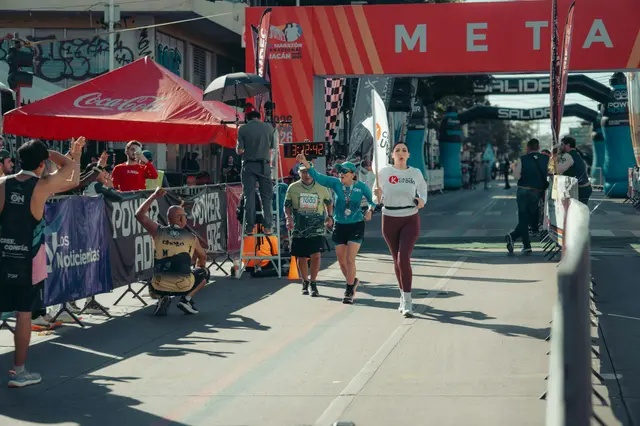
QP2483City Marathon · finish line arch
Run Club AU
 in 3w
in 3w$5,3762
Simple job management for event printers and production teams.
It's live. Tap around.It's live. Click around, rename things, change a status. It all stays in your browser.

QP2483City Marathon · finish line arch
Run Club AU
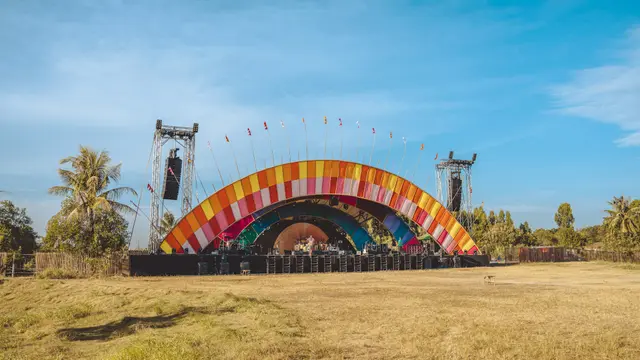
in 3wQS2477Harbour Lights Gala · stage backdrop
Harbour Events Co
 in 12d
JP2481Riverside Festival · site signage
Riverside Live
 in 4d
in 4dJC2469Winter Night Market · stall banners
City Council
 2d ago
South Bank Parklands, Brisbane
JP2481
Flagged the VIP lightbox artwork as lateFiled Priya's email about gate times on this jobQuote it, break it into lines, set the dates.
Chase artwork, get proofs approved, track production.
Crew, delivery and install, all on the job.
Pick it up, invoice it, see it paid.
Team chat
Every job has its own conversation, so the talk about the banners stays with the banners. Ask @Plana in the chat and it answers there, for everyone.
Pick a job and say something.
Banners are on the printer now, eyelets this afternoon.
Truck's booked for Friday 6am. I'll load the A-frames Thursday arvo.

Heads up: artwork for the VIP lightbox is 2 days late. Sam hasn't replied since Tuesday.
Customer portal
Send your customer one link. They see every proof, approve it or ask for changes, leave comments and drop in their files, with their name on every approval and no long email chain.
Approve the VIP lightbox and watch it land in the print queue below and on the job at the top.
Riverside Festival · site signage
From Eventline Signs, for Priya Shah
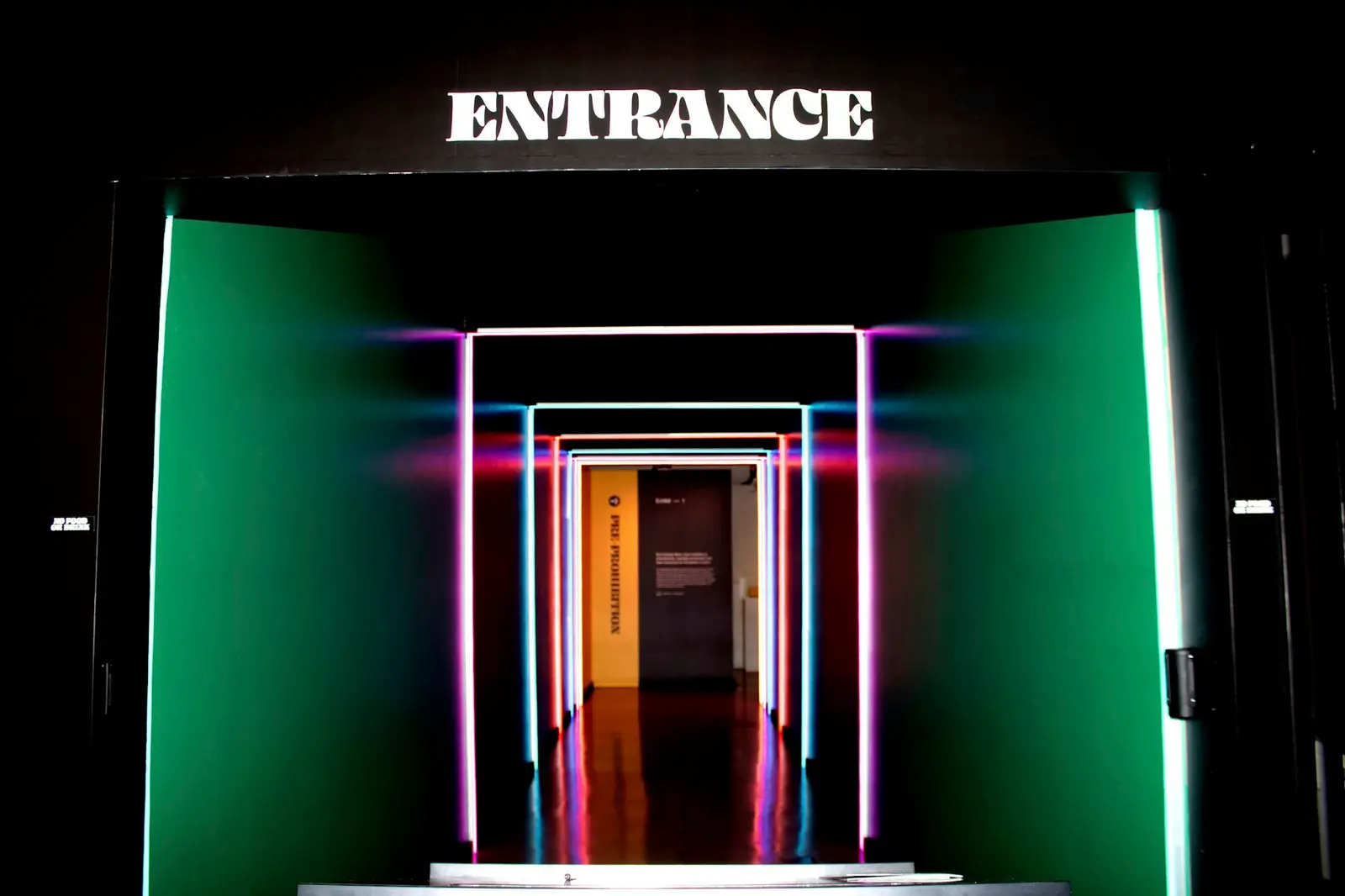 VIPPresented by Harbour Bank
Jo Tran
Here's the lightbox with the sponsor logo in. Colours matched to your brand guide. Site walk, north lawn.jpg
 River walk.jpg
 Last year's main stage.jpg
Event bible
The deck for the day: every sign, where it goes on the site map, the run sheet and who to call. Made from the job itself, so it's never out of date. Share it with the customer or hand it to the crew.
Flip through the slides, drag a pin on the site map, or edit the run sheet.
Event bible · Riverside Live
Riverside Festival
South Bank Parklands, Brisbane · Sat 15 Nov · Install Fri 14 Nov, 7am
Assistant
Ask where a job is at, what's on this week or who still owes artwork. It knows every job and every email, does the legwork, and leaves anything that goes out for you to approve.
Ask it to mark the banners packed and watch the job at the top change.
PlanaiMessage
Today 8:02 am
Checked what is slipping
Works with Claude and ChatGPT
Already use Claude or ChatGPT? Connect Plana and ask about your work there: what's due, who owes artwork, what a job made. It sees only what you can see, acts as you, and anything it would send waits for your approval. How to connect it
Pick a question to see what comes back.
Three jobs are due this week:
The site signage still has two proofs waiting on Jess. Want me to draft a nudge?
Your Plana email
Your business gets its own Plana address, like yourshop@plana.email. Copy it on any email to a customer or supplier and the email, and anything attached, lands on the right job for the whole team. No forwarding, no setup on each person's mailbox.
Hi Jess, proofs attached at 3000 × 900. Printing Thursday, install Saturday 6am.
finish-arch-proof.pdf · start-line-proof.pdf
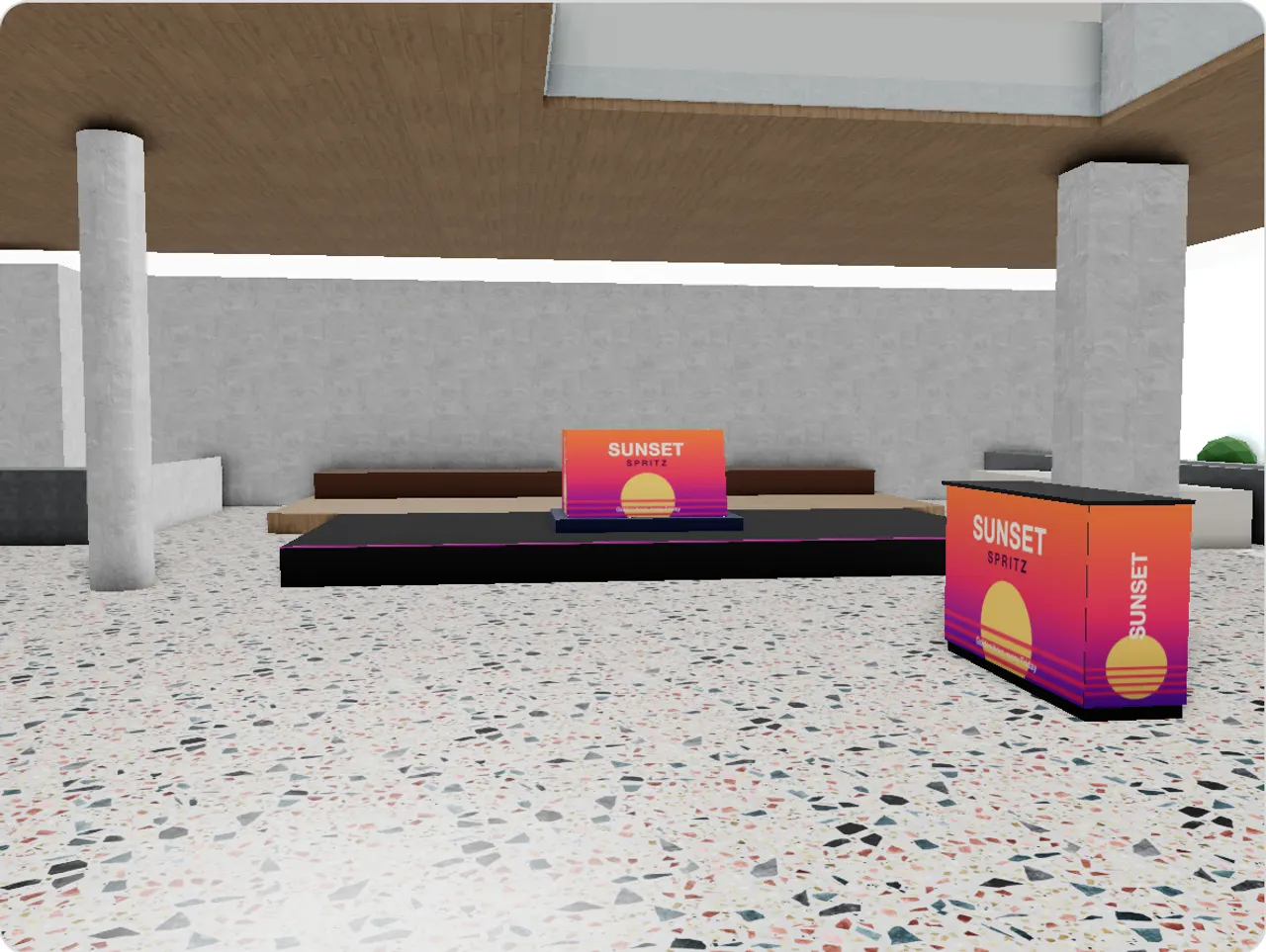
Venues in 3D
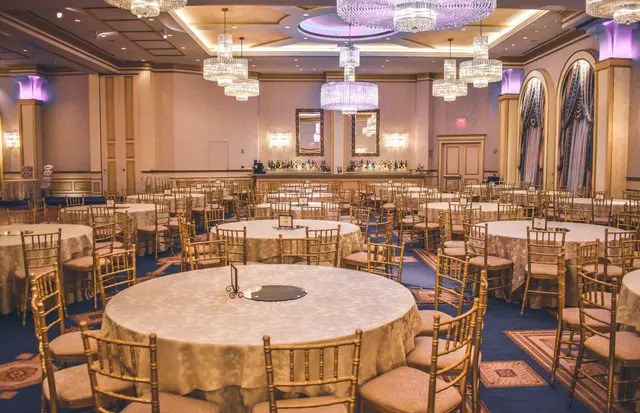
Trace each venue you work at once: its rooms, bars, walls and stairs. Then every job's signs stand where they'll go, with the real artwork on them. Show the customer, and plan the install before anyone's on site.
Swap the artwork and watch it change on the bar.
Made for the whole crew
Every line on a job carries its own steps, from design and approval to printing and the install. Whoever does a step ticks it off from their phone, and everyone sees it move.
Pick who you are and press their button.
JP2481 · Summer Series launch
Bar wrap ×2 · 3000 × 1000 mm
Foamboard 5mm · both sides
Plana on the designer's phone
Bar wrap ×2 · JP2481
Bar wrap needs its proof
It's your turn.
Plana Connect
Coming soonYour job and your supplier's, linked. One source of truth.
Tidal Events · Event agency
Summer Series launch
Bar wrap ×2Needs artwork
Harbour Signs · Signage
JP2481 · Summer Series launch
Bar wrap ×2Needs artwork
The agency plans and designs; the sign shop makes and installs. Each works in its own Plana, and every proof, step and install shows on both, without an email in between. Prices stay with whoever they belong to.
Plana vs Asana
Asana keeps tasks in order for any kind of team. A sign or event job is more than tasks, and Plana has a place for every part of it, ready on day one.